
Enterprise Network & Storage Diagnostics
Practical engineering guides for diagnosing routers, Layer-2/Layer-3 switches, SFP+ optical links, NAS arrays, and homelab faults, written from documented lab tests.
Browse All Guides ROUTERS · NAS · SFP+ · HOMELAB
Recent diagnostic guides
Fresh field notes on link faults, NAS protocol bottlenecks, and router configuration, each written from a documented test setup.
-
Tracing Intermittent Ethernet Drops
Intermittent Ethernet drops often leave the network working again by the time someone checks it. That makes timestamps and counters more useful…
-
Finding the Bottleneck in Slow NAS Transfers
A NAS that feels slow during a large file copy may be behaving exactly as its slowest link allows. Disk activity, a…
-
Diagnosing an SFP+ Link That Stays Down
When an SFP+ connection stays down, changing switch settings before checking the physical path can hide the original fault. Start with the…
-
How to fix Synology NAS blinking orange status light
If your diagnostic confirms a physical Layer-1 or component fault, skip software workarounds and verify compatibility with these field-tested replacement…
Four technical domains
Hardware Resolve documents the infrastructure layers engineers troubleshoot most often, from the switch port to the storage volume.
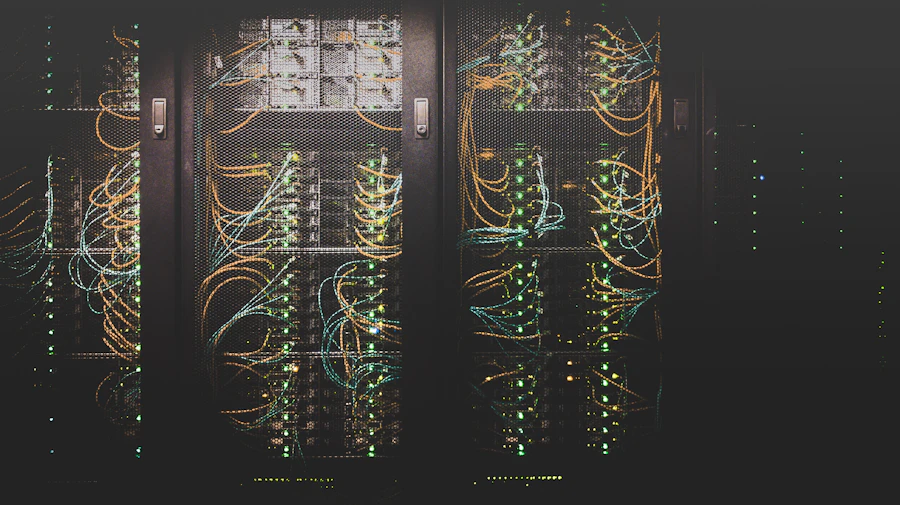
SFP+ and Ethernet infrastructure
Optics compatibility, link negotiation, DAC cable verification, and physical layer path checks for switch-to-server and switch-to-switch uplinks, with each test logged.
Enterprise routers and routing
Configuration review, VLAN segmentation, route table checks, and interface error counters that show exactly where packet traffic drops, written for engineers on call.


Homelab storage arrays & NAS
Bench-tested Synology, QNAP, and TrueNAS builds, LED status matrices, degraded RAID volume recovery, and protocol tuning with evidence shown before any fix is recommended.
Engineering dispatch
Get newly verified diagnostics and hardware teardown notes as they publish. One email, zero marketing filler.